Never Scrape Ice Again: The Hidden Benefits of Smartphone Remote Start Systems
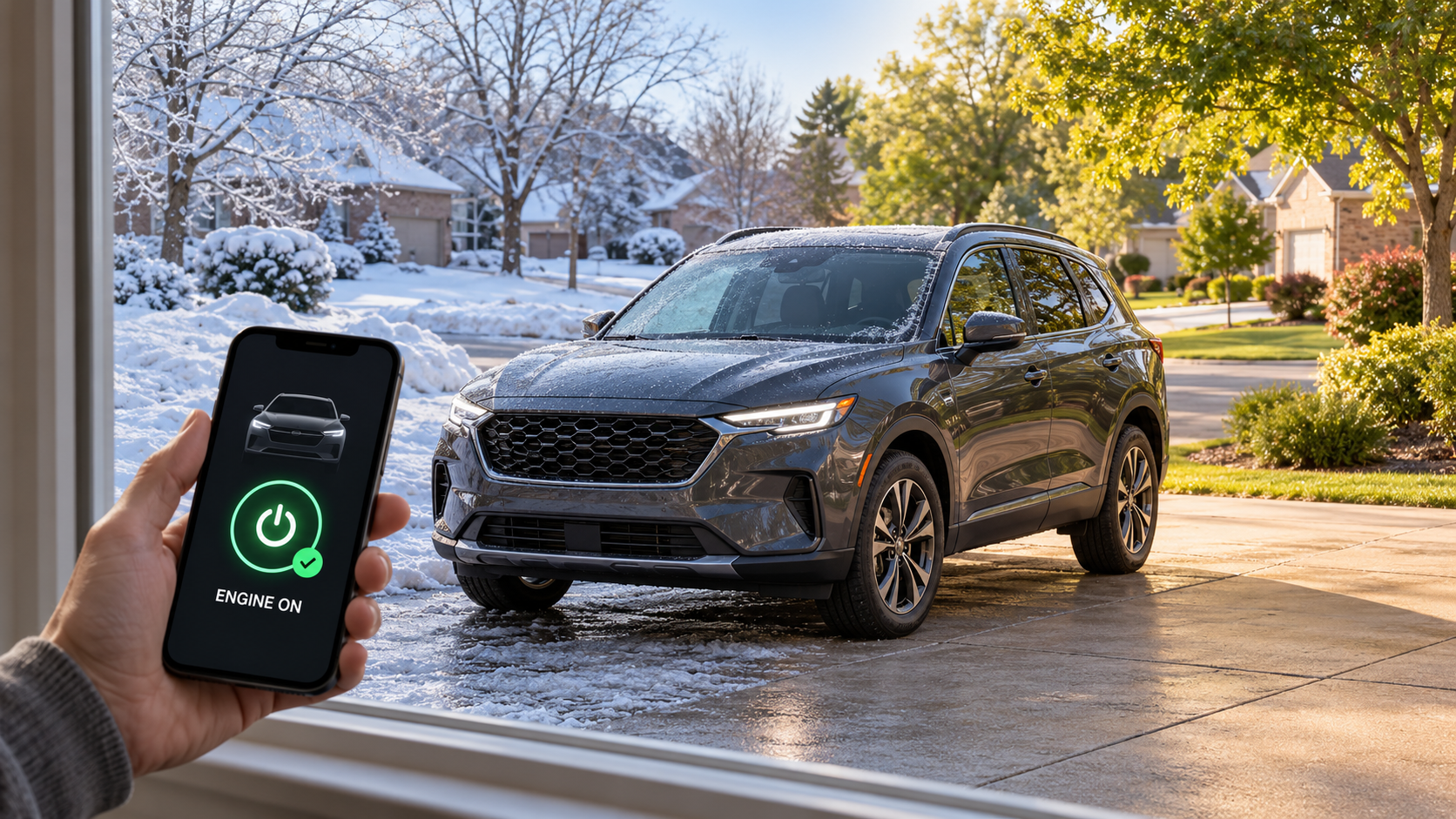
Scraping ice off your windshield wastes more time than you realize, especially during those freezing Indy mornings. Imagine stepping into a car that’s already warmed up, ready to go, without stepping outside. With remote start installation Indianapolis drivers trust, your smartphone car starter Indy system keeps you comfortable no matter the season. Let’s explore why this winter car accessory is quickly becoming a must-have across Indiana.
What Exactly Is a Remote Start System?
Let’s start with the basics. A remote start system lets you fire up your car’s engine from inside your house, office, or anywhere within range. Think of it as giving your vehicle a head start on getting comfortable before you even walk out the door.
The technology has come a long way from those chunky key fobs that only worked if you were standing 50 feet away. Today’s systems, like the drone mobile remote start, connect directly to your smartphone. You can start your car from practically anywhere with cell service. Pretty cool, right?
How Does It Work?
The system connects to your vehicle’s ignition system through a control module. When you tap that button on your phone or key fob, it sends a signal to start the engine. Your doors stay locked, and the system includes safety features that prevent the car from being driven without the key.
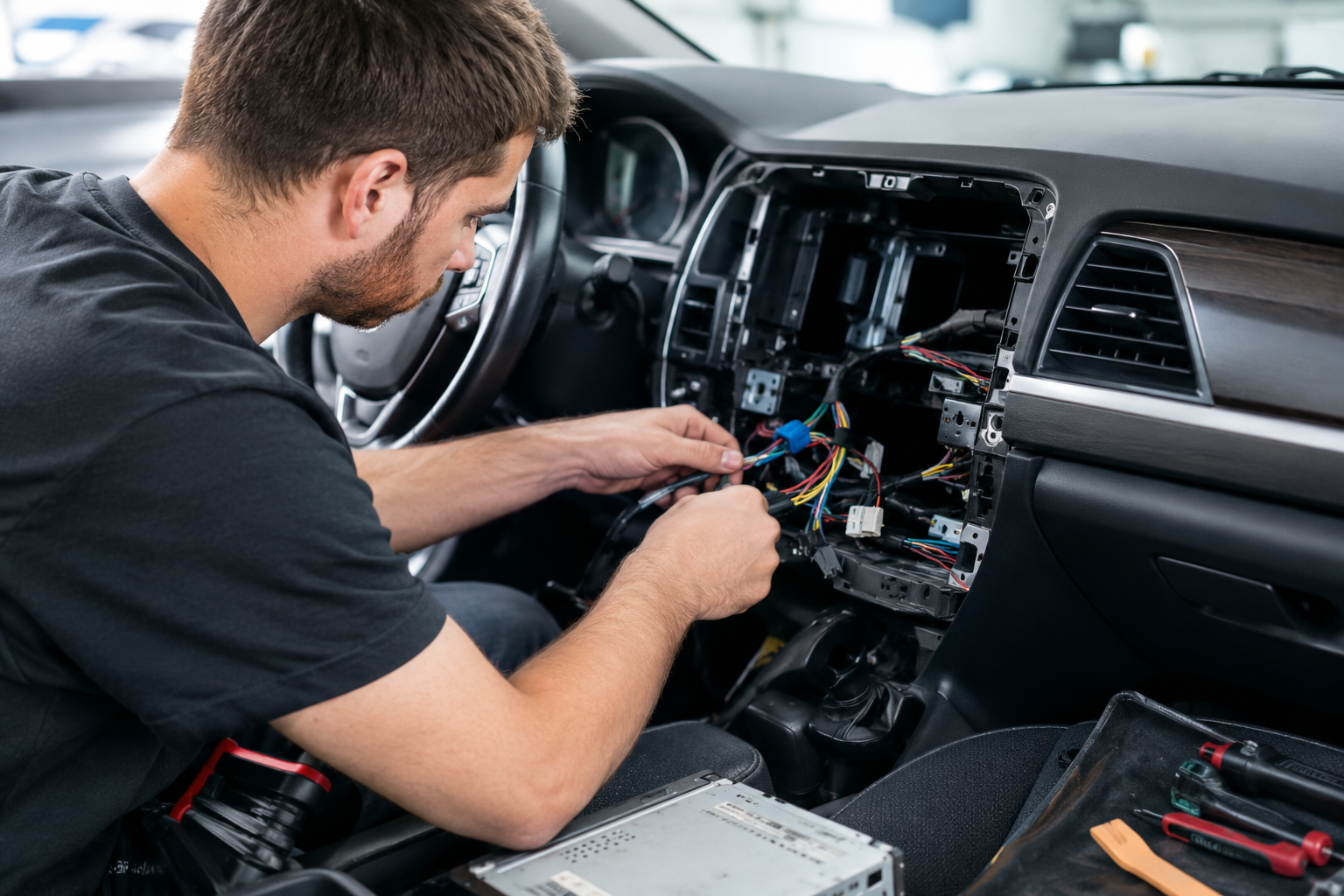
Professional remote start installation Indianapolis shops make sure everything integrates properly with your car’s existing systems. This isn’t a DIY project you want to tackle in your garage on a Saturday afternoon.
Why Indy Winters Make Remote Start Essential
If you’ve lived through even one Indiana winter, you know the drill. You wake up early, bundle up in layers, trudge outside in the dark, and spend 10 minutes scraping ice while your fingers go numb. Then you sit in a freezing car, shivering while you wait for the heat to kick in.
There’s got to be a better way, and there is.
Say Goodbye to Ice Scraping
When you start your car 10 or 15 minutes before you need to leave, your defroster does the heavy lifting. The ice on your windshield starts melting from the inside out. By the time you’re ready to go, you might only need a quick brush to clear things off. Sometimes you won’t need to scrape at all.
Think about how much time that saves over the course of a winter. If you’re scraping ice for 10 minutes every morning for four months, that’s hours of your life you’re getting back.
Comfort From the First Second
Picture this: You’ve got your coffee in hand, you’re running right on schedule, and you slide into a car that’s already toasty warm. Your steering wheel isn’t ice cold. The seat isn’t freezing. You can actually feel your fingers.
For busy parents trying to get kids to school on time, this changes everything. No more wrestling children into car seats in a freezing vehicle. The car’s already comfortable when everyone piles in.
Summer Heat? Remote Start Has You Covered
Here’s something people don’t always think about: Indiana summers can be brutal too. We’re not just talking about mild discomfort. We’re talking about steering wheels too hot to touch and seats that feel like they’ve been baking in an oven.
Cool Down Before You Climb In
That same smartphone car starter Indy system that warms your car in winter can cool it down in summer. Start your car before you leave the grocery store, and by the time you’ve loaded your bags, the AC has knocked the temperature down to something bearable.
This is especially great if you’ve got leather seats. Anyone who’s tried to sit on sun-baked leather in shorts knows exactly what I’m talking about.
Protect What’s Inside
Extreme heat isn’t just uncomfortable. It can damage your car’s interior over time. It can also be dangerous for anything heat-sensitive you’re carrying. Starting your car early and getting that AC running protects your investment and keeps everything inside safer.
The Smartphone Advantage: Why Drone Mobile Changes the Game
Remember those old remote start systems that only worked from your driveway? The drone mobile remote start system takes things to a whole new level.
Start Your Car From Anywhere
Stuck in a meeting that’s running late? Start your car from the conference room. Finishing up grocery shopping? Get your car cooling down from inside the store. The range is essentially unlimited as long as you have cell service.
This flexibility means you’re never rushing outside in extreme weather just to get your car started ahead of time.
Check Your Car’s Status
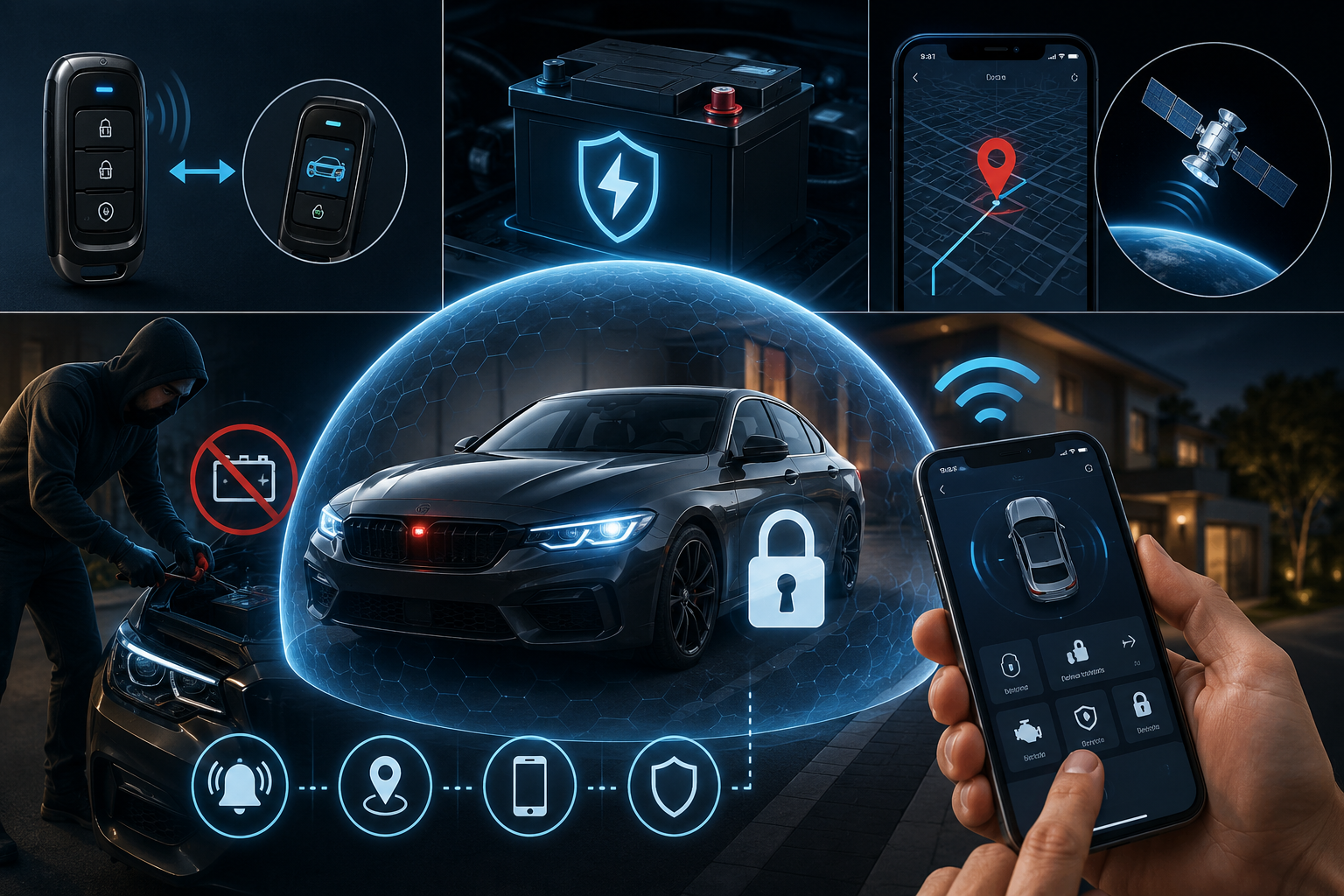
Most smartphone systems let you check if your car is locked, see if the engine is running, and even monitor the interior temperature. It’s like having a direct line to your vehicle at all times.
Forgot whether you locked your doors? Just check your phone. No more walking back across the parking lot to double-check.
Share Access With Family
Many systems let you give access to other family members through the app. Your spouse can start the car. Your college-age kid can use it. Everyone in the family gets the same convenience without needing multiple key fobs.
Security Features: More Than Just Convenience
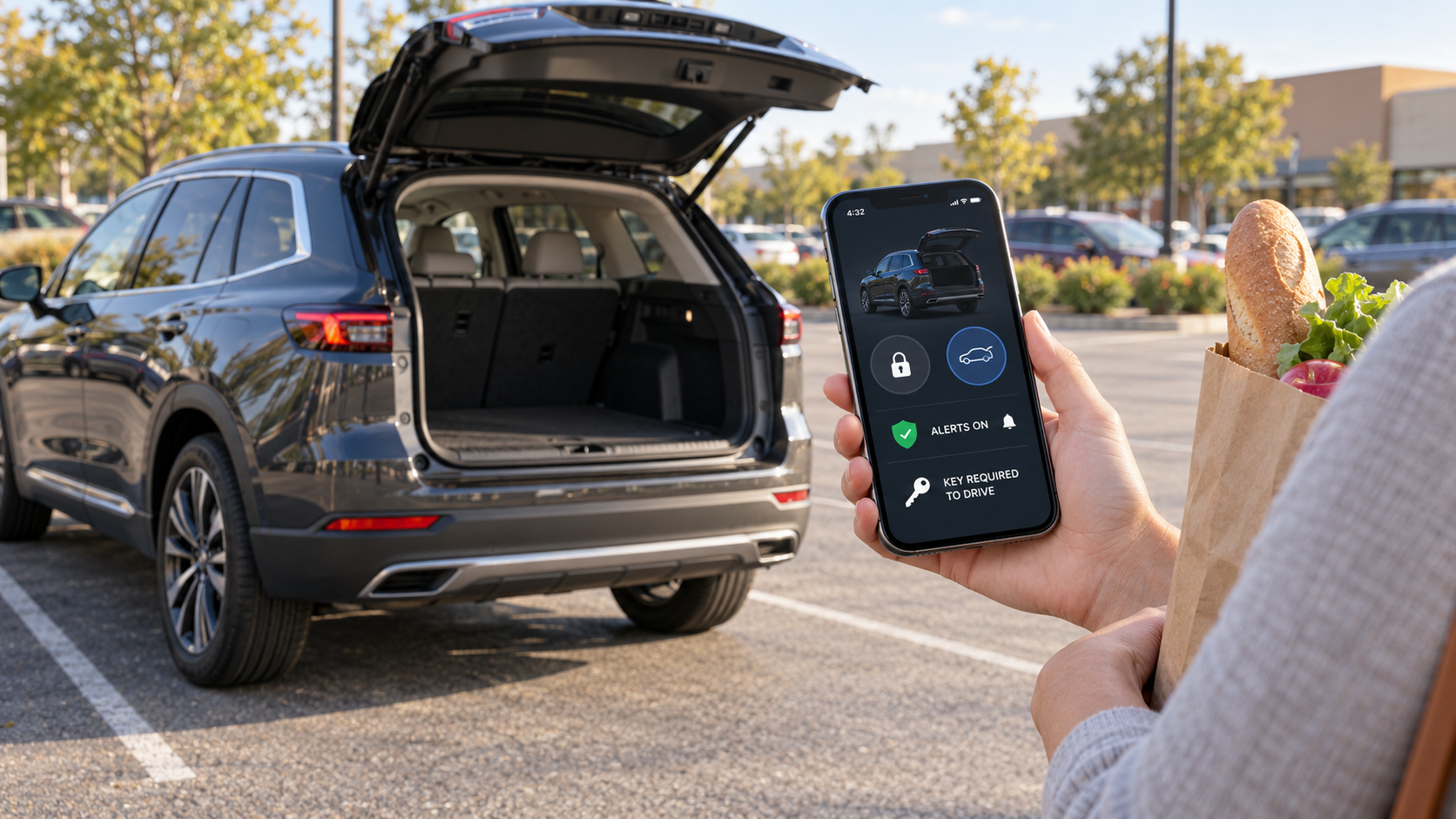
When you’re looking at remote start and security Indiana options, you’ll find that these systems do double duty. They’re not just about comfort.
Keyless Entry and Trunk Release
Most systems include keyless entry, so you can unlock your doors from your phone too. Some even let you pop the trunk remotely. This comes in handy when your hands are full of grocery bags or you’re juggling kids and diaper bags.
Alarm Integration
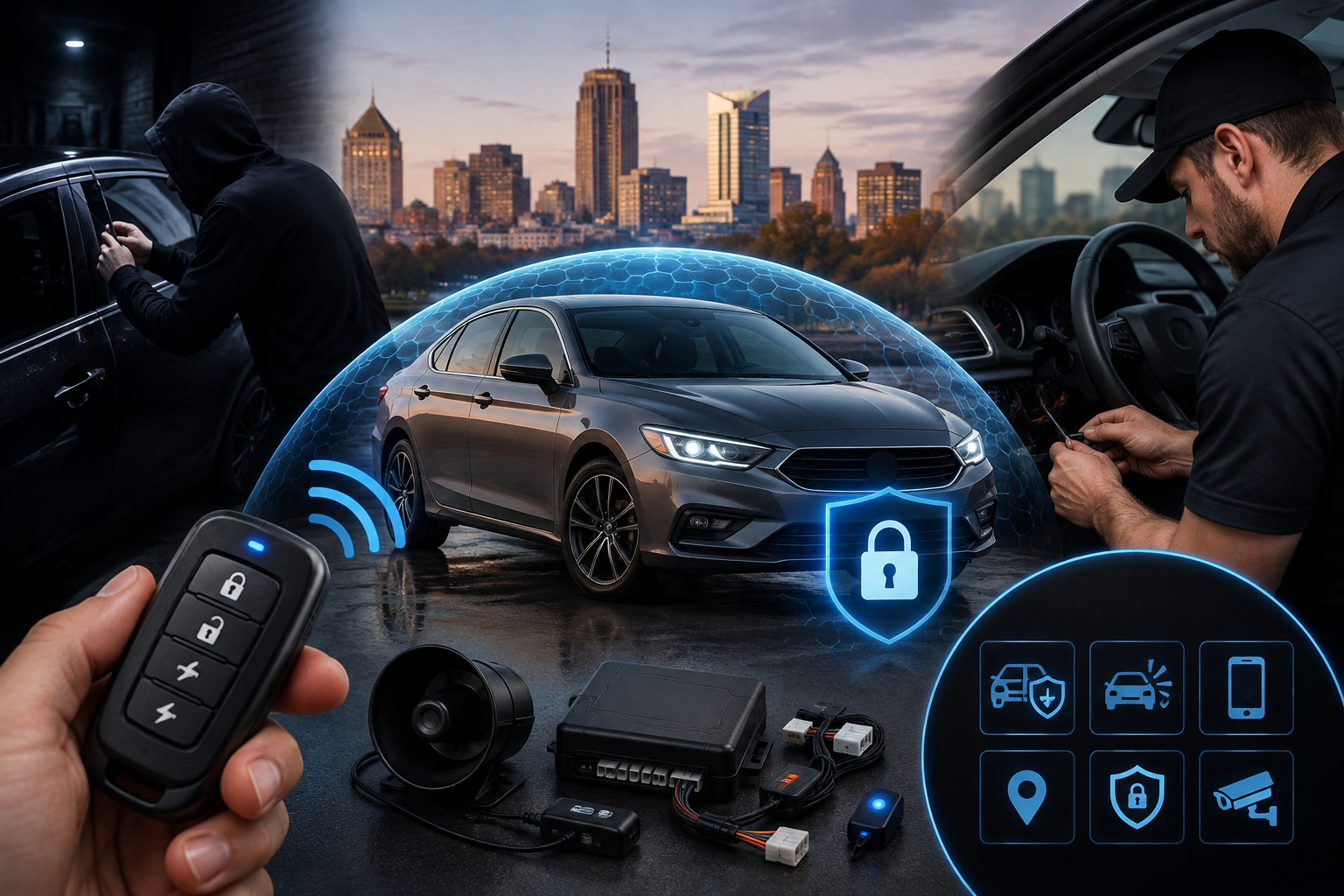
Many remote start systems can integrate with your car’s security system or add alarm features if your car doesn’t have them. You get alerts on your phone if someone’s messing with your vehicle.
Kill Switch Protection
Here’s a big one: even though your engine is running, the car can’t be driven without the key. If someone tries to put the car in gear or press the brake pedal without the key present, the engine shuts off immediately.
This means you can warm up your car in your driveway without worrying about theft. The vehicle stays secure.
Installation: What to Expect
Getting a remote start system installed isn’t as simple as plugging something into your cigarette lighter. This is where professional remote start installation Indianapolis services make all the difference.
Finding the Right Shop
You want a shop that specializes in this type of work. Look for certified installers who have worked with your specific make and model. Different cars have different quirks, and experience matters.
Ask about warranties on both parts and labor. A reputable shop stands behind their work.
The Installation Process
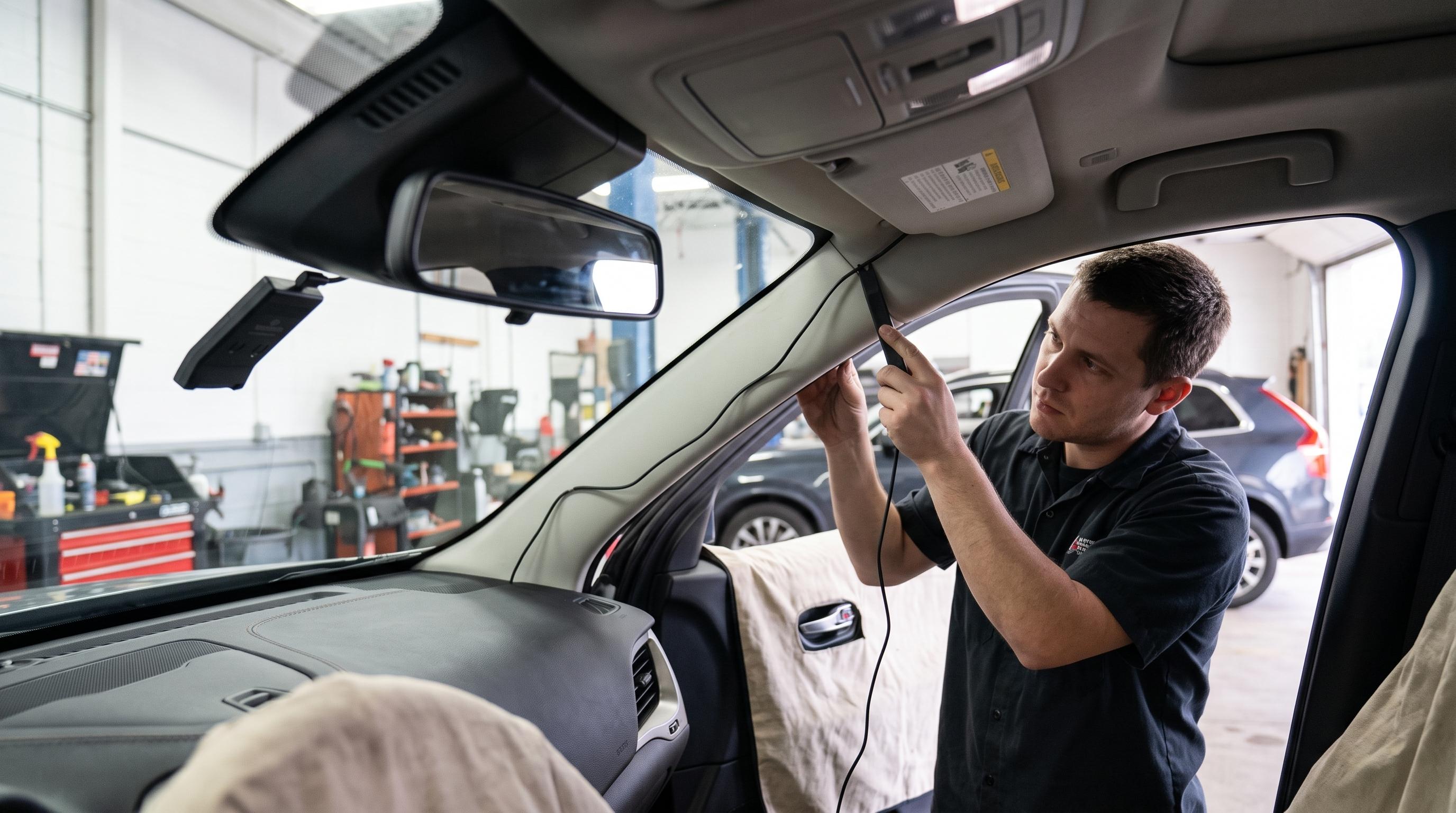
A typical installation takes a few hours. The technician will connect the remote start module to your ignition system, integrate it with your car’s computer, and test everything thoroughly.
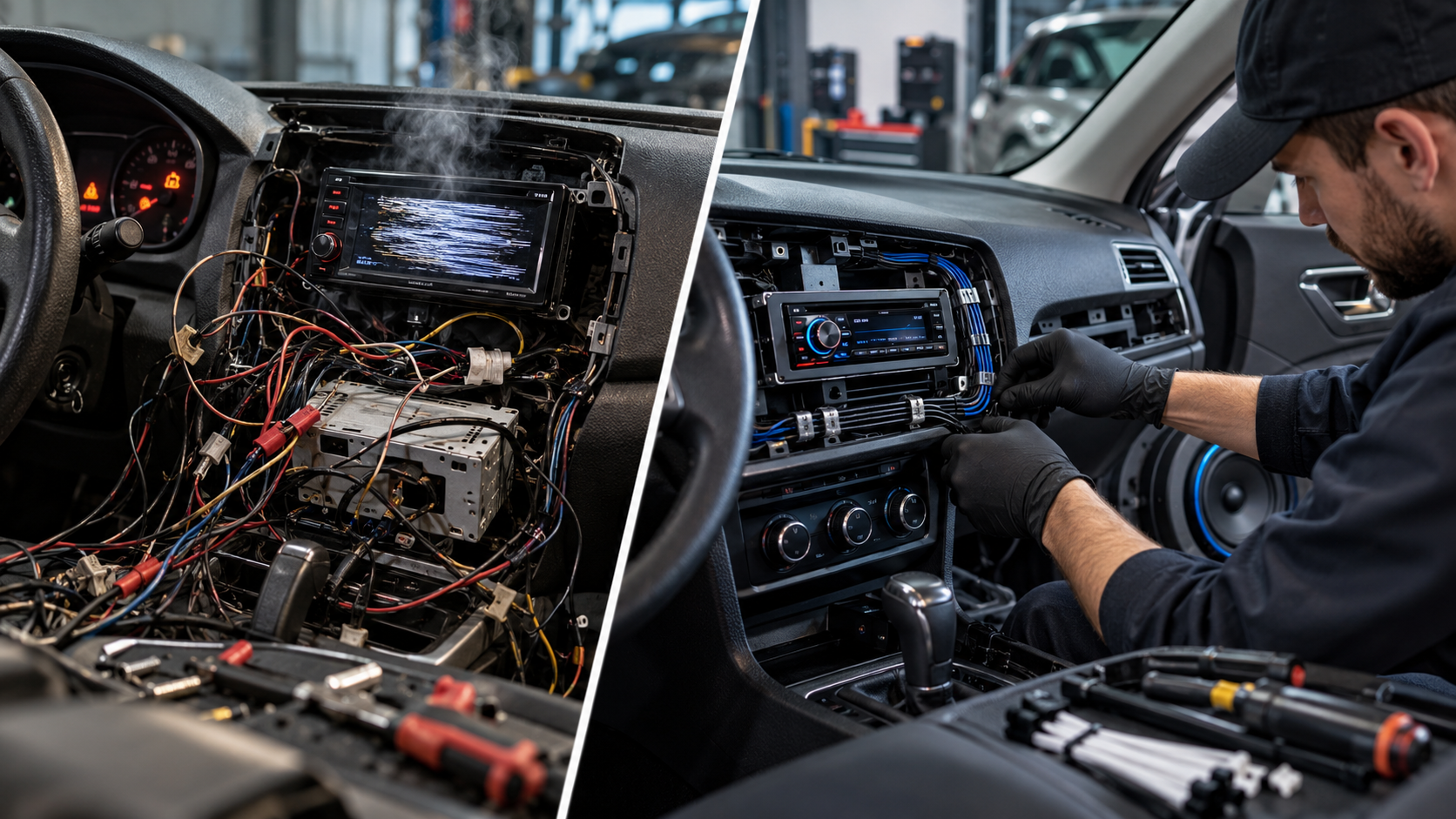
They’ll make sure the system works with your car’s factory alarm, keyless entry, and any other electronic features. Good installers also hide the wiring properly so everything looks clean and factory-installed.
What About Push-Button Start Cars?
Got a newer car with push-button start? No problem. Modern systems work with these vehicles too. The installation is a bit different, but the functionality is the same.
Cost Considerations: Is It Worth It?
Let’s talk money. What does a system like this actually cost, and is it worth the investment?
Upfront Costs
A quality remote start system with smartphone connectivity typically runs between $300 and $600, including installation. The price varies based on your vehicle type and the specific features you want.
Yes, that’s real money. But think about what you’re getting.
Long-Term Value
First, there’s the time savings. If you value your time at even $20 an hour, and you save 10 minutes a day during winter months, the system pays for itself pretty quickly.
Second, there’s the comfort factor. What’s it worth to you to never sit in a freezing car again? To protect your kids from extreme temperatures? To make your daily routine just a little bit easier?
Third, these systems can add resale value to your vehicle. It’s a feature that appeals to buyers, especially in climates like ours.
Fuel Efficiency Concerns
Some people worry about wasting gas by letting their car idle. Modern cars are pretty efficient at idling, and you’re typically only running the engine for 10 to 15 minutes. The fuel cost is minimal, usually just a few cents per use.
Compare that to the value of your time and comfort, and it’s not even close.
Choosing the Right System for Your Needs
Not all remote start systems are created equal. Here’s what to think about when shopping for winter car accessories like this.
Range Requirements
Do you live in an apartment and park far from your unit? Do you work in a large building far from the parking lot? Consider how much range you actually need.
Smartphone systems give you the most flexibility, but they do require a monthly or annual subscription service. Traditional key fob systems have limited range but no ongoing costs.
Features You’ll Actually Use
Think about which features matter to you. Do you want two-way communication so the system confirms when your car starts? Do you need the ability to lock and unlock doors? Would you use GPS tracking?
Don’t pay for bells and whistles you won’t use, but don’t skimp on features that would make your life easier either.
Compatibility With Your Vehicle
Make sure whatever system you’re considering works with your specific car. Most systems work with most vehicles, but there can be exceptions, especially with newer cars that have complex computer systems.
A good remote start and security Indiana installer will verify compatibility before starting any work.
Real Stories From Real Indy Drivers
Let me share some feedback I’ve heard from folks around the area who’ve made the switch.
The Busy Parent
Sarah from Fishers has three kids under age seven. She says her remote start system has been a game-changer for school drop-offs. “I can get the car warming up while I’m getting everyone’s shoes and coats on. By the time we make it outside, the car’s ready. No more crying about cold seats.”
The Healthcare Worker
Mike works night shifts at a hospital in Carmel. He gets off work at 7 AM, right when temperatures are often at their coldest. “I used to dread going to my car after a 12-hour shift. Now I start it from the locker room, and it’s warm by the time I get there. Makes a tough job just a little bit easier.”
The Commuter
Jennifer drives from Noblesville to downtown Indianapolis every day. “I park in a garage, but it’s not heated. Starting my car from my desk means I’m not walking into an icebox or an oven depending on the season. Plus, I can check that my car’s locked without taking the elevator down six floors.”
Common Questions and Concerns
Let’s address some things people often wonder about before getting a system installed.
Will It Void My Warranty?
This is a big concern for people with newer cars. The good news is that a properly installed system shouldn’t void your warranty. Federal law actually protects you here. The dealership would have to prove that the remote start caused a specific problem to deny a warranty claim.
That said, go with a reputable installer who knows what they’re doing. Poor installation can cause problems.
What If I Have a Manual Transmission?
Remote start systems can work with manual transmission vehicles, but they require extra safety features. You’ll need to go through a specific shutdown sequence that ensures the car is in neutral with the parking brake engaged.
It’s doable, but it adds complexity. Talk to your installer about the specifics.
How Long Will My Car Run?
Most systems let you set a runtime, typically between 10 and 20 minutes. After that time, if you haven’t gotten in the car and inserted the key, the engine automatically shuts off.
This prevents you from accidentally leaving your car running all day.
What About Security in My Neighborhood?
Some people worry about starting their car and leaving it running outside. Remember, the car stays locked and can’t be driven without the key. The security features built into these systems are pretty solid.
If you’re still concerned, you can always wait to start your car until you’re close to leaving. Even five minutes makes a big difference in temperature.
Making the Switch: Your Next Steps
So you’re sold on the idea. What now?
Do Your Research
Look for shops in the Indianapolis area that specialize in remote start installation Indianapolis services. Read reviews. Ask friends for recommendations. Check out their websites and see what brands they work with.
Get Multiple Quotes
Don’t just go with the first shop you find. Get quotes from two or three places. Ask about the specific systems they’d recommend for your vehicle and why.
Ask Questions
A good installer should be happy to answer your questions. Ask about warranties, installation time, and what happens if something goes wrong. If they’re rushing you or can’t explain things clearly, that’s a red flag.
Schedule Your Installation
Most shops can get you in within a week or two. If you’re planning this for winter, don’t wait until the first snowstorm. Get it done in the fall when shops are less busy.
Learn Your System
Once it’s installed, make sure you understand how to use all the features. Test it out while the installer is still there. Save the manual and app instructions somewhere you can find them.
Beyond Winter: Year-Round Benefits
While we’ve talked a lot about winter benefits, your smartphone car starter Indy system works hard all year long.
Spring and Fall Comfort
Even in mild weather, it’s nice to step into a car that’s already at your preferred temperature. You can get the air circulating and clear any morning dew off the windows.
Defrosting in Spring
Those chilly spring mornings when frost appears out of nowhere? Your remote start handles those too.
Running Errands
Any time you’re making multiple stops, being able to prepare your car while you’re finishing up inside is convenient. It’s a small thing that makes your whole day flow better.
The Bottom Line
Look, I get it. A remote start system is an investment. But if you’re tired of scraping ice, shivering in your car, or burning your hands on a hot steering wheel, it’s an investment that pays off every single day.
The technology has gotten so good, and the smartphone connectivity makes it incredibly convenient. You’re not just buying winter car accessories. You’re buying comfort, time savings, and a better daily routine.
For those of us living in Indiana, where the weather swings from below zero to 95 degrees, having control over your car’s temperature before you get in it just makes sense. It’s one of those things where once you have it, you wonder how you ever lived without it.
Ready to stop scraping ice and start enjoying your mornings? Find a trusted shop that offers remote start and security Indiana services and get a quote. Your future self, warm and comfortable in a pre-heated car, will thank you.
Frequently Asked Questions
How much does a remote start system cost to install in Indianapolis?
Professional remote start installation Indianapolis typically costs between $300 and $600, including both the equipment and labor. The final price depends on your vehicle type, the specific system you choose, and any additional features like smartphone connectivity or security integration. Most reputable shops offer warranties on both parts and labor.
Can I install a remote start system on a car with push-button start?
Yes, modern remote start systems work perfectly with push-button start vehicles. The installation process is slightly different from traditional key ignition systems, but the functionality remains the same. You’ll still be able to start your car remotely while maintaining all factory security features.
Will a remote start system drain my car battery?
A properly installed remote start system draws very minimal power when not in use, similar to your car’s clock or radio memory. The brief periods of idling when you remote start your car won’t significantly impact battery life. In fact, regular use can help maintain battery health by keeping it charged, especially in cold weather when batteries are more vulnerable.
How far away can I be and still start my car?
Traditional key fob systems typically work from 500 to 1,500 feet away, depending on obstacles and interference. Smartphone-based systems like drone mobile remote start work from virtually unlimited distances as long as you have cell service. You could start your car from across town if needed, making smartphone systems much more flexible.
Is it safe to leave my car running unattended with a remote start?
Yes, remote start systems include multiple safety features. Your doors remain locked, the engine shuts off if anyone tries to drive without the key, and most systems automatically turn off after 10 to 20 minutes. The car cannot be put into gear or driven away without the physical key or fob present in the vehicle.